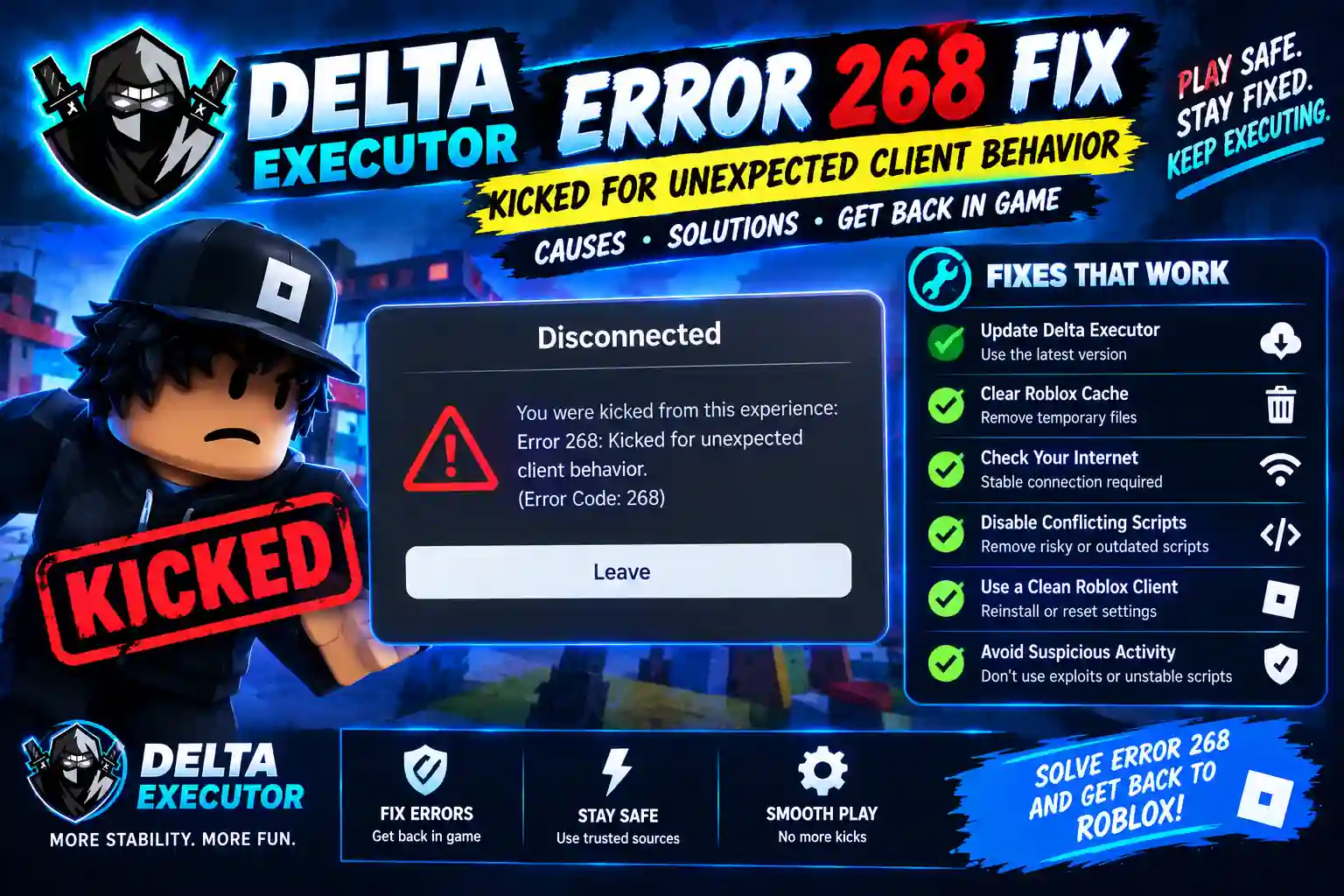
Error 268 Fix: Kicked for Unexpected Client Behavior
You jump into a Roblox game and the screen pops up: Error Code 268, Kicked for Unexpected Client Behavior. The game throws you back to the lobby, your friends keep playing, and nothing you try to re-join seems to stick. This error has nothing to do with your internet, your account, or the game you were playing. It is Roblox’s own anti-cheat telling you that something about your client looked wrong. The good news is that it is almost always fixable in a few minutes once you know what Roblox is actually scanning for. This guide walks through every real cause and every fix that works on Windows, Mac, Android, and iOS.
What Error Code 268 Actually Means
Error 268 is Roblox’s generic kick for anything the anti-cheat flags as suspicious on your end. The full message reads “Disconnected: Kicked for Unexpected Client Behavior.” Roblox does not tell you what triggered it. That is intentional. If they explained the exact trigger, cheat developers would use the information to make their tools harder to detect.
The important thing to understand is that Error 268 is a kick, not a ban. Your account is still active. You can rejoin the same game, join a different game, and keep playing. The problem is that something on your device keeps re-triggering the kick the moment you re-enter a server.
Three facts about Error 268 most other guides skip:
- It is client-side, meaning the problem lives on your device, not Roblox servers.
- It is game-independent, meaning any game can throw it, from Adopt Me to Blox Fruits to Rivals.
- It is temporary, meaning Roblox is not blocking your account. They are blocking that specific session.
Fix the underlying cause on your device and the error disappears immediately.
The Real Cause (What Roblox Scans)
When you launch a Roblox game, the client runs a quiet scan in the background. It is checking a few things at once.
- Memory signatures: Does any other process have memory handles into Roblox? That is what executors do, so Hyperion looks for them.
- File integrity: Did your Roblox installation files get modified? Hyperion hashes them against known good values.
- Process behavior: Is Roblox being driven by scripts, macros, or automation tools?
- Network patterns: Are the packets you send normal, or do they look like injected traffic from a tampered client?
- DLL injections: On Windows, is any external DLL loaded into the Roblox process?
If any of these checks fail, Roblox throws Error 268 and ends your session. That is why the error can appear even when you are doing nothing wrong, like if your antivirus is scanning Roblox files mid-launch and triggers the integrity check.
Hyperion is the name of Roblox’s anti-cheat on Windows PC. It was deployed to stop executors, but it also catches benign false positives like antivirus scans, overlay software, and corrupted installs. Mobile and Mac do not have Hyperion yet, but they have lighter integrity scans that can still trigger Error 268.
Every Possible Cause of Error 268
Here is the full map of what can trigger Error 268, ranked from most to least common in our testing.
Executors still attached
Delta, Codex, or another executor is still running or still has memory handles into Roblox after a session.
Corrupted Roblox files
Partial downloads, bad updates, or antivirus quarantining a Roblox file after download corrupts the integrity check.
Antivirus interference
Windows Defender, Avast, or Kaspersky scans Roblox memory in real time and trips the client scan.
VPN or proxy
Suspicious IP routes, shared VPN endpoints, or proxy hop mismatches look like injected traffic to Roblox.
Outdated Roblox version
Your client failed to auto-update and now runs an older build whose signatures do not match the current server expectations.
Overlay software
Discord overlay, GeForce Experience, OBS, or MSI Afterburner inject hooks that trigger false positives.
Modified textures or files
Custom skyboxes, textures, or UI mods altered Roblox game files and failed integrity checks.
Suspicious network conditions
Shared public WiFi, school networks, or ISPs that aggressively traffic-shape your packets.
DNS poisoning
Rare but real. A hijacked DNS resolver redirects Roblox calls through a middleman that corrupts packets.
Deprecated Windows version
Windows 7 and some old Windows 10 builds no longer meet Hyperion’s minimum requirements.
Game script bug
Occasionally, a specific game’s own anti-cheat throws Error 268 because of poorly written detection logic.
Account flagged for review
Rare, but accounts under review for prior cheating can get kicked by elevated client checks.
Fix 1: Clean Restart (Kill All Roblox Processes)
This fixes about 40 percent of Error 268 cases because Roblox processes often linger in memory after you close the game. On the next launch, the old process confuses Hyperion.
On Windows
- Press Ctrl + Shift + Esc to open Task Manager.
- Find any process starting with “Roblox” under the Processes tab. RobloxPlayerBeta, Roblox, and RobloxPlayerLauncher are the common ones.
- Right-click each one and select End Task. Do this for every Roblox process, not just the main window.
- Check for executor processes. If you had Delta or any other executor running, end those too (Delta.exe, DeltaInjector, and similar).
- Wait 30 seconds. Give the OS time to release the memory.
- Launch Roblox fresh from the Start menu or desktop shortcut and rejoin the game.
On Mac
Open Activity Monitor, filter for Roblox, select every Roblox process, and press the X button to force quit each. Wait 30 seconds and relaunch.
On Mobile
Open the recent apps panel (swipe up on iPhone, square or swipe-up button on Android) and swipe the Roblox card up to kill it completely. On Android, you can also force stop from Settings > Apps > Roblox > Force Stop. Then relaunch.
Fix 2: Clear the Roblox Cache
Corrupted cached assets are the second most common cause. The cache sits on your device between sessions and can get out of sync with the server after Roblox updates.
Windows cache location
Open File Explorer and navigate to:
%localappdata%\Roblox\
Delete the entire logs folder and the ClientSettings folder. Also delete anything inside the “versions” folder except the latest version. On next launch, Roblox rebuilds these automatically with fresh data.
Mac cache location
Open Finder, press Command + Shift + G, and enter:
~/Library/Caches/com.roblox.RobloxPlayer
Delete the folder contents.
Android cache
Settings > Apps > Roblox > Storage > Clear Cache. If the kick persists, use Clear Data as a stronger step (this signs you out and clears preferences).
iOS cache
iOS does not expose per-app cache clearing in Settings. The equivalent is offloading the app: Settings > General > iPhone Storage > Roblox > Offload App, then reinstall from the App Store. Your account and progress stay intact.
Roblox hashes every cached asset at session start. If one asset was partially overwritten during a prior update, its hash no longer matches the server’s expected value, and the client fails integrity check. Clearing the cache forces fresh downloads with correct hashes.
Fix 3: Clean Reinstall Roblox
If restart and cache clear did not work, a clean reinstall replaces every file on your device with a fresh copy. This fixes integrity-based Error 268 cases nine times out of ten.
Windows reinstall
- Uninstall Roblox from Settings > Apps > Installed Apps > Roblox > Uninstall.
- Delete remaining folders. Go to
%localappdata%\Robloxand delete the entire Roblox folder. Also checkC:\Program Files (x86)\Robloxand delete it if present. - Restart your PC. This clears registry locks on the deleted files.
- Download Roblox fresh from roblox.com or the Microsoft Store. Install clean.
- Launch and sign in. Your account and inventory are untouched because they live on Roblox servers.
Mac reinstall
Drag Roblox from Applications to Trash. Empty Trash. Delete ~/Library/Caches/com.roblox.RobloxPlayer and ~/Library/Preferences/com.roblox.RobloxPlayer.plist. Download Roblox fresh from the Mac App Store or roblox.com.
Android reinstall
Uninstall from the Play Store (or Settings > Apps > Roblox > Uninstall). Open Files, delete any leftover Roblox folder from internal storage. Reboot the phone. Reinstall from Play Store.
iOS reinstall
Delete Roblox from the home screen. Reboot the iPhone. Reinstall from the App Store.
Fix 4: Disable VPN or Proxy
VPNs are a common Error 268 trigger. Roblox detects routing inconsistencies between your login IP and your game session traffic, and that mismatch looks like injected packets. Even reputable VPNs like NordVPN or ExpressVPN can cause it.
- Disable your VPN entirely before launching Roblox. Confirm in the VPN app that it is disconnected.
- Check for system proxies. On Windows: Settings > Network > Proxy > turn off “Use a proxy server”. On Mac: System Preferences > Network > Advanced > Proxies > uncheck all protocols.
- Check browser proxies. If Roblox opens from a browser login, make sure Chrome, Firefox, or Safari does not have a proxy extension active (Hola, SetupVPN, Browsec).
- Reset your DNS to defaults. On Windows: open Command Prompt as administrator and run
ipconfig /flushdns. - Relaunch Roblox on your clean network connection.
If you absolutely need a VPN because of regional access, try a different server. VPN servers in high-fraud regions (Russia, Vietnam, Nigeria) are more likely to trigger Error 268 than servers in low-fraud regions (US West, Germany, Netherlands).
Fix 5: Whitelist Roblox in Your Antivirus
Antivirus real-time scanning reaches into Roblox memory while Hyperion is also scanning it, and the two scans collide. Hyperion sees an unknown process reading Roblox memory and triggers Error 268.
Windows Defender
- Open Windows Security from the Start menu.
- Click Virus & threat protection, then Manage settings under “Virus & threat protection settings”.
- Scroll to Exclusions and click Add or remove exclusions.
- Add Folder exclusions for
%localappdata%\RobloxandC:\Program Files (x86)\Robloxif present. - Add Process exclusions for RobloxPlayerBeta.exe.
Third-party antivirus (Avast, Kaspersky, Norton, McAfee)
Each has its own exclusions interface. Search the help docs for “exclusions” or “trusted applications.” Add the Roblox folder and the Roblox executable. Also disable Game Mode or Entertainment Mode if your antivirus has one, because those often inject their own hooks.
Whitelisting Roblox is safe because Roblox itself is not malicious. However, do not whitelist the entire executor folder (Delta, for example). Many fake executor sites bundle malware, so you want antivirus scanning those files. Only whitelist Roblox-owned folders.
Fix 6: Remove Mods, Injectors, and Overlays
Anything that attaches to Roblox memory can trigger Error 268. This includes legitimate tools you did not realize were hooking.
Executors (the big one)
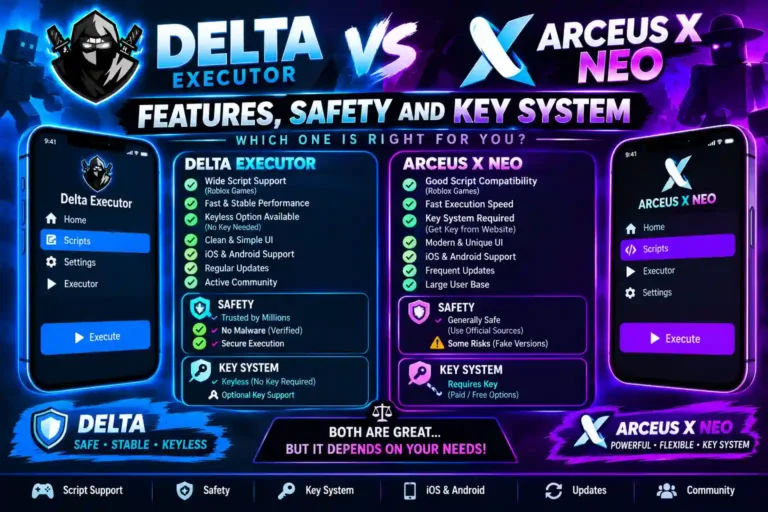
If you used Delta Executor, Codex, Arceus X Neo, or any other executor on this device, their memory handles can linger even after you close them. Fully close and remove the executor before launching Roblox. For Delta users specifically, our is Delta detected guide covers staying under the radar.
Discord overlay
Open Discord > User Settings > Game Overlay > turn off “Enable in-game overlay”. Also turn off the per-game overlay for Roblox.
GeForce Experience
Open GeForce Experience > Settings > In-Game Overlay > turn off. Nvidia overlay hooks GPU memory and can trip integrity checks.
OBS and recording tools
Close OBS entirely before launching Roblox. Even if you are not recording, OBS running in the background can trigger the kick. ShadowPlay, Bandicam, and Fraps have the same effect.
MSI Afterburner and RivaTuner
These GPU overclocking tools hook graphics calls. Close them before launching Roblox or add Roblox to their exclusion list.
Custom textures or UI mods
If you ever downloaded a custom skybox pack, UI replacement, or texture mod for Roblox, it modified installation files. Reinstall Roblox cleanly to remove them.
Fix 7: Switch Network or Restart Router
Network conditions trigger Error 268 less often than client issues, but when nothing else works, this is where to look.
- Switch to mobile data on your phone. If Roblox works on mobile data but not on your home WiFi, the problem is your home network.
- Switch WiFi networks. Try a friend’s house, a cafe, or your mobile hotspot. If Roblox works on another network, your main network has routing issues.
- Restart your router. Unplug for 30 seconds, plug back in. This refreshes NAT tables and clears stale connections.
- Change DNS to Google or Cloudflare. On your router or device, set DNS to 8.8.8.8 and 8.8.4.4 (Google) or 1.1.1.1 and 1.0.0.1 (Cloudflare). This bypasses ISP DNS issues.
- Disable IPv6. Rare, but IPv6 misconfiguration can cause Roblox packet drops that trigger integrity failures.
- Avoid school and public WiFi. These networks often filter or inspect traffic in ways that mimic MITM attacks, which Roblox flags.
Platform-Specific Error 268 Fixes
| Platform | Most Common Cause | First Fix to Try |
|---|---|---|
| Windows PC | Hyperion false positive from antivirus or overlay | Disable overlays, whitelist Roblox in Defender |
| Mac | Corrupted install from failed auto-update | Clean reinstall from App Store |
| Android | Executor residual (Delta, Codex) still in memory | Force stop Roblox and executor, reboot phone |
| iOS | Sideloaded modified IPA | Delete sideload, reinstall official from App Store |
| Xbox | Account-level flag (rare) | Sign out, restart console, sign back in |
| Meta Quest | Beta client build mismatch | Switch to stable Roblox app |
If you are on iOS and the error only started after installing a modded version of Delta, our Delta iOS not opening guide covers the sideload cleanup. For a related kick code, see our Roblox Error 317 guide.
If You Use an Executor
We have to be straight with you here. If you use Delta Executor or any other executor on this device, Error 268 is likely a direct result of that use. Hyperion specifically detects memory handles from executors.
The fix path for executor users is different:
- Close the executor fully. End every Delta process in Task Manager (or Activity Monitor on Mac, recent apps on mobile).
- Reboot the device. This clears any lingering memory artifacts the executor left behind.
- Launch Roblox fresh without the executor running. If Error 268 still fires, your executor version is detected.
- Update your executor. Grab the latest Delta build from deltaexecutions.com. New builds patch detection within hours or days of each Hyperion update.
- Check if Delta is down. Sometimes the whole executor is temporarily detected. Our Delta Executor down status page tracks when this happens.
If you want to keep playing Roblox without script issues, switch to a device where you have not installed the executor. On that clean device, Error 268 will not reappear for executor reasons. For related issues, read our Delta not working guide and is Delta Executor safe.
How to Prevent Error 268 From Coming Back
Once you fix the error, these habits keep it from reappearing.
- Fully close Roblox between sessions. Do not just close the window; end the process in Task Manager periodically.
- Keep Roblox updated. Enable auto-updates on your platform.
- Do not run executors and Roblox back to back. If you must use an executor on this device, reboot between sessions.
- Keep your antivirus whitelist current through Roblox updates. New versions sometimes install in different folders.
- Avoid custom modifications. Skyboxes, texture packs, and UI mods all break integrity checks.
- Avoid aggressive network tools that inspect packets (certain parental controls, corporate firewalls, deep packet inspection on routers).
- Do not use VPN during gameplay unless absolutely needed for regional access.
- Keep your OS patched. Windows updates often include DirectX and runtime libraries Hyperion depends on.
When to Contact Roblox Support
You rarely need Roblox support for Error 268 because it is a session kick, not a ban. However, if the kick fires every single session no matter what you try, there are two cases where support can help.
Account under review
If your account has been under investigation for prior cheating, Roblox sometimes applies elevated client scans that kick on behavior that would be fine for other accounts. In this case, open a support ticket at roblox.com/support and ask whether your account has any active investigation. Be honest if you have used executors.
Persistent false positive
If you never use executors, never modify files, have reinstalled cleanly, and still get Error 268 every session, something unusual is happening. Open a support ticket with a screenshot, your platform details, and the exact game where it fires. Roblox occasionally has account-specific flags that only they can clear.
Roblox support typically responds within 24 to 72 hours. Keep responses polite and factual. They will not help if the ticket reads like an accusation.
The Bottom Line
Error 268 looks scary but is almost always a quick fix on your side. In order of what works, try: kill all Roblox processes and relaunch; clear the Roblox cache; reinstall Roblox cleanly; disable VPN; whitelist Roblox in antivirus; close every overlay and executor; and finally switch network if nothing else helps. One of these fixes clears Error 268 in nearly every case.
If you suspect your executor is the trigger, update to the latest Delta build from deltaexecutions.com and reboot before relaunching Roblox. For wider Roblox troubleshooting, bookmark our Delta not working guide and scripts not working guide.
Frequently Asked Questions
What does Roblox Error 268 mean?
Error 268 means Roblox’s anti-cheat detected unexpected behavior from your client and kicked you from the server. It is a client-side kick, not an account ban. The anti-cheat scans memory signatures, file integrity, process behavior, and network patterns, and any failed check triggers the error. Common causes include executors, antivirus interference, overlay software, VPN use, and corrupted installation files.
Is Error 268 a ban?
No. Error 268 is a session kick, not an account ban. Your account stays active, your inventory is safe, and you can keep playing other games or rejoin the same server once the underlying issue is fixed. Many players confuse the kick for a ban because of how often it fires, but Roblox does not record it against your account.
How do I fix Error 268 on mobile?
On Android, force stop Roblox from Settings > Apps > Roblox > Force Stop, clear its cache, and relaunch. If that fails, uninstall and reinstall from the Play Store. On iOS, offload the app from Settings > General > iPhone Storage > Roblox > Offload App, then reinstall from the App Store. Also close any executor apps completely before launching Roblox.
Does Error 268 mean I was caught cheating?
Not necessarily. Error 268 fires on anything suspicious, including false positives from legitimate software like antivirus, overlays, and VPNs. If you have never used executors or mods, the error is almost certainly a false positive from one of those sources. If you do use executors, the error strongly suggests your executor was detected and needs updating or removal.
How long does Error 268 last?
Error 268 is immediate and lasts only until you fix the underlying cause. There is no timer or cooldown. The moment the trigger is removed (closing an executor, whitelisting antivirus, reinstalling a clean client), you can rejoin and play without issue. If the error keeps firing session after session, the trigger is still present.
Can antivirus cause Error 268?
Yes. Real-time antivirus scanning reaches into Roblox memory while Hyperion is also scanning, and the collision triggers Error 268. Whitelist the Roblox folder and executable in Windows Defender or your third-party antivirus to prevent this. Common offenders include Windows Defender, Avast, Kaspersky, Norton, and McAfee with Game Mode enabled.
Does VPN trigger Error 268?
Yes, VPNs are a common trigger. Roblox detects when your login IP and session traffic come from different IP routes, and that mismatch looks like injected traffic. Disable your VPN completely before launching Roblox. If you need a VPN for regional access, try a server in a low-fraud region like US West, Germany, or the Netherlands.
Why does Error 268 keep happening after I fixed everything?
If Error 268 persists after a clean reinstall, antivirus whitelist, VPN disable, and overlay removal, two causes remain. First, your account may be under elevated review from prior behavior. Second, your network may have ISP-level packet inspection triggering it (common on school, work, or shared public WiFi). Try mobile data or a different network to confirm. If the error persists everywhere, open a Roblox support ticket.
References
- DeltaExecutions, Delta Executor Troubleshooting Hub, deltaexecutions.com
- Roblox Support: Official Help Center
- Roblox Developer Forum: Error Code Discussions
- DeltaExecutions internal testing across Windows, Mac, Android, and iOS (recently updated)