
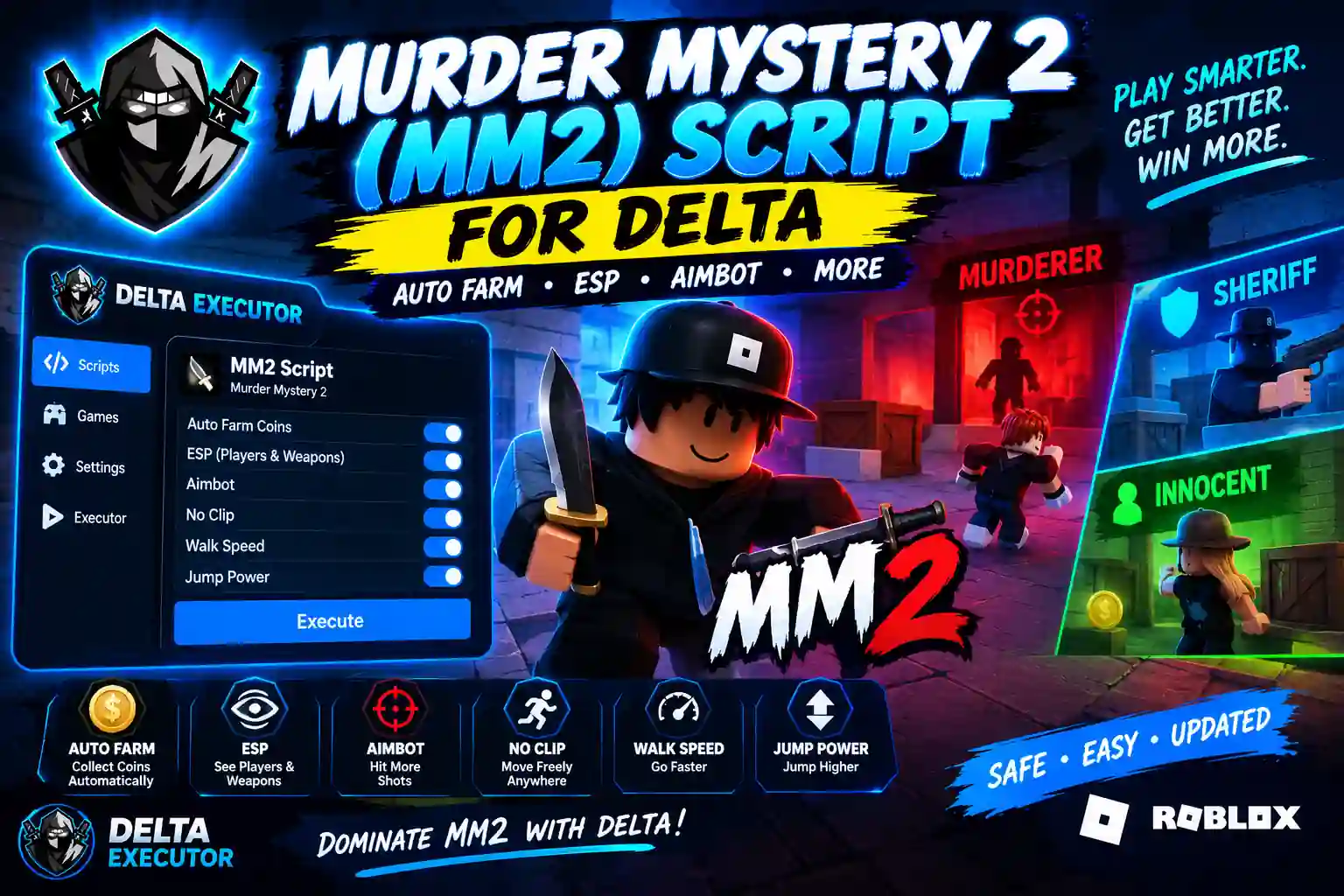
Murder Mystery 2 (MM2) Script for Delta
Murder Mystery 2 is a game of nerves. You walk around a map, somebody has the knife, somebody has the gun, and the rest of you are just trying not to die. A good Delta Executor MM2 script changes that balance. You can see who the Murderer is before they move, grab coins without running, and know exactly where the dropped gun is sitting. This guide covers the working MM2 scripts for Delta right now, how to run them on mobile or PC, what each feature actually does in a round, and the honest safety trade-offs you should know before you paste anything.
What a Delta Executor MM2 Script Actually Does
Murder Mystery 2 is built around secrets. One player is the Murderer, one is the Sheriff, and everyone else is Innocent and defenseless. The whole tension of the game comes from not knowing who is who. An MM2 script removes those secrets and hands you tools the vanilla game never gives.
Here is what a good MM2 script delivers inside Delta Executor:
- Role ESP: Shows the Murderer in red, the Sheriff in blue, and Innocents in green, visible through walls at any distance.
- Gun ESP: When the Sheriff drops the gun or an Innocent picks it up, the script marks its exact location on the map.
- Coin Farm: Automatically teleports to every coin on the map or auto-collects them without you walking anywhere.
- Silent Aim: If you have the gun, your bullets curve to the Murderer regardless of where you aim.
- Kill Aura: If you are the Murderer, nearby players auto-kill without you needing to swing.
- Walk Speed and Infinite Jump: Move faster than vanilla and jump as many times as you want in a row.
- Anti Grab: Blocks the Murderer from pulling you with their knife.
Most popular MM2 hubs bundle all of these into a single GUI with toggles. You load the script once, the menu appears, and you tap or click the features you want on. Delta Executor runs these smoothly on both mobile and PC. If you are new to Delta itself, start with our full Delta Executor tutorial before you try any script.
Universal MM2 Hub Script (All In One)
This is the script most Delta users load first. It covers every major MM2 feature in a single GUI: role ESP, coin farm, silent aim, gun ESP, and basic movement cheats. It is keyless on most mirrors, which means you paste and run without any linkvertise or ad walls.
loadstring(game:HttpGet("https://raw.githubusercontent.com/mm2scrdev/mm2/main/Loader.lua"))()Paste the line above into Delta’s script box, hit Attach, then Execute. The hub GUI loads inside Roblox with tabs for ESP, Combat, Movement, and Farm. The menu is draggable, which matters on phone screens where the default position can block gameplay.
On phones, the GUI buttons can look small. Pinch zoom the Roblox view before you execute, or wait for the hub to load and drag it into the top left corner where your thumbs cannot hit it by accident during a round.
ESP Only Script (Lightweight)
Not everyone wants a full hub. If you only need to see roles through walls and nothing else, a standalone ESP script runs lighter and attracts less attention from other players. This one highlights the Murderer in red and the Sheriff in blue. Innocents stay unmarked so the display is clean.
-- MM2 Role ESP (Murderer red, Sheriff blue)
local Players = game:GetService("Players")
local RunService = game:GetService("RunService")
local LocalPlayer = Players.LocalPlayer

local function addESP(player, color)
    if player.Character and player.Character:FindFirstChild("Head") then
        local head = player.Character.Head
        if not head:FindFirstChild("MM2_ESP") then
            local billboard = Instance.new("BillboardGui")
            billboard.Name = "MM2_ESP"
            billboard.Adornee = head
            billboard.Size = UDim2.new(0, 100, 0, 40)
            billboard.StudsOffset = Vector3.new(0, 2, 0)
            billboard.AlwaysOnTop = true
            local label = Instance.new("TextLabel", billboard)
            label.Size = UDim2.new(1, 0, 1, 0)
            label.BackgroundTransparency = 1
            label.TextColor3 = color
            label.Text = player.Name
            label.TextStrokeTransparency = 0
            label.TextSize = 14
            label.Font = Enum.Font.GothamBold
            billboard.Parent = head
        end
    end
end

RunService.RenderStepped:Connect(function()
    for _, p in pairs(Players:GetPlayers()) do
        if p ~= LocalPlayer and p.Backpack then
            if p.Backpack:FindFirstChild("Knife") or (p.Character and p.Character:FindFirstChild("Knife")) then
                addESP(p, Color3.fromRGB(255,0,0))
            elseif p.Backpack:FindFirstChild("Gun") or (p.Character and p.Character:FindFirstChild("Gun")) then
                addESP(p, Color3.fromRGB(0,120,255))
            end
        end
    end
end)
This script runs natively, no external download needed. Paste the full block into Delta and execute. The role tags appear above every player’s head and update in real time if the Murderer or Sheriff changes mid game (which happens on respawn rounds).
Coin Farm Script
Coins are the main grind in MM2. You use them to buy knife and gun crates for cosmetic skins. Grinding coins by hand takes dozens of hours. A coin farm script collects every coin on the map automatically, round after round, while you AFK.
-- MM2 Auto Coin Collector
local Workspace = game:GetService("Workspace")
local Players = game:GetService("Players")
local plr = Players.LocalPlayer

while task.wait(0.3) do
    local char = plr.Character
    if not char or not char:FindFirstChild("HumanoidRootPart") then continue end
    local hrp = char.HumanoidRootPart
    for _, obj in ipairs(Workspace:GetDescendants()) do
        if obj.Name == "Coin" and obj:IsA("BasePart") then
            hrp.CFrame = CFrame.new(obj.Position + Vector3.new(0,2,0))
            task.wait(0.05)
        end
    end
end
The script loops through the entire map and teleports your character on top of each coin for a fraction of a second before moving to the next. The pickup is instant on contact. Expect roughly 100 to 200 coins per minute depending on map size.
Other players see your character flashing around the map. In public servers, this gets you reported quickly. For pure coin farming, use private servers or a server with few other players. The script also works perfectly in VIP servers you control.
Role Detection Script (Chat Reveal)
If you prefer not to draw attention with glowing ESP tags, this script writes the Murderer and Sheriff names into your Roblox chat window at round start. Only you see it. Nobody else notices anything different about your client.
-- MM2 Silent Role Reveal (prints to local chat)
local Players = game:GetService("Players")
local StarterGui = game:GetService("StarterGui")

task.wait(2)
local murderer, sheriff
for _, p in pairs(Players:GetPlayers()) do
    if p.Backpack:FindFirstChild("Knife") or (p.Character and p.Character:FindFirstChild("Knife")) then
        murderer = p.Name
    elseif p.Backpack:FindFirstChild("Gun") or (p.Character and p.Character:FindFirstChild("Gun")) then
        sheriff = p.Name
    end
end

StarterGui:SetCore("ChatMakeSystemMessage", {
    Text = "[MM2] Murderer: "..(murderer or "unknown").." | Sheriff: "..(sheriff or "unknown"),
    Color = Color3.fromRGB(255, 100, 100),
    Font = Enum.Font.GothamBold
})
Run this once per round. It takes a two second delay for Roblox to assign roles, then it checks every player’s inventory and prints both the Murderer and Sheriff names into your chat. The message is client-side only, so it never shows in anyone else’s chat.
How to Load MM2 Scripts in Delta Executor
Loading a script in Delta is the same process whether you are on Android, iOS, or Windows. If you have never attached an executor to Roblox before, follow these steps carefully.
- Open Roblox and join Murder Mystery 2. Wait for the game to fully load. The lobby or round must be visible before you touch Delta.
- Open Delta Executor. On mobile, launch the Delta app. On PC, open Delta from your desktop or Start menu.
- Press the Attach button. This is usually a shield or plug icon. Delta attaches to the running Roblox process. You will see a green indicator when ready.
- Paste the script. Tap or click the script editor window in Delta and paste one of the scripts above. On phones, long press the box to get the paste option.
- Press Execute. The script runs immediately. If it is a hub, the GUI appears on your Roblox screen. If it is a standalone function, the effect activates right away.
- Toggle features as needed. For hubs, open the menu and switch features on or off per round. For standalone scripts, re-execute at the start of each round to refresh state.
If Delta refuses to attach or the execute button does nothing, our dedicated guides for Delta not working and scripts not working walk through every common failure point.
MM2 Script Feature Breakdown
Here is what each feature in a typical MM2 hub actually does inside a round, with the practical implications most tutorials skip.
Role ESP
Boxes or name tags over each player, color-coded by role. The Murderer is red, Sheriff blue, Innocents green. Visible through walls at any range.
Gun ESP
When the Sheriff dies and drops the gun, the script marks its position with a bright marker. Innocents can race to grab it.
Silent Aim
If you hold the gun, your shots curve to the Murderer regardless of where your crosshair points. Works from any angle.
Kill Aura (Murderer)
Auto kills any player who steps within a set radius of your character. You still need to be the Murderer for this to deal damage.
Auto Coin Farm
Teleports your character to every coin on the map in sequence. Collects roughly 100 to 200 coins per minute.
Walk Speed
Overrides the default move speed. Set between 20 (vanilla) and 50 (very obvious). Values above 25 attract reports fast.
Infinite Jump
Jump as many times in a row as you want without landing. Useful for reaching high ledges or avoiding the Murderer’s lunge.
Anti Grab
Blocks the Murderer’s grab-and-drag mechanic. You stay in place when they try to pull you with the knife animation.
Mobile vs PC Performance in MM2
Delta runs MM2 scripts well on both platforms, but there are differences in feel and feature stability.
| Factor | Mobile (Android or iOS) | Windows PC |
|---|---|---|
| ESP performance | Smooth on 4GB RAM phones and up | No lag on any modern PC |
| Silent Aim accuracy | Equally accurate | Equally accurate |
| Coin Farm speed | Slightly slower due to touch input delay | Fastest |
| GUI readability | Buttons feel small, drag the menu to a safe corner | Full desktop interface |
| Battery drain | Heavy on long AFK farming sessions | No concern |
| Install friction | APK or iOS sideload needed | Simple installer |
| Script compatibility | Some older PC-only scripts fail | Every MM2 script works |
For AFK coin farming, PC wins because you can leave the computer running overnight without battery concerns. For in-round features like ESP and Silent Aim, both platforms deliver the same experience. Mobile just needs a little GUI setup at the start of each session.
Ban Risk and Server Safety
Honesty matters here. MM2 scripts carry some ban risk. Roblox uses a mix of automated detection and manual review driven by player reports. Here is the real picture.
Automated detection
Roblox Hyperion checks executor memory on PC. Delta’s bypass works but is not perfect. Running obvious cheats (flying across the map, walking at 100 speed) in public servers increases automated flag risk. Mobile executors face less automated detection because Hyperion is not present on mobile.
Player reports
This is the bigger risk by far. MM2 players notice cheaters fast. If someone else sees you teleporting across the map or killing without aiming, they report you. Enough reports in one game trigger a manual review and a temporary or permanent ban.
How to lower your ban risk
- Use private servers. VIP servers you own have no other players to report you. Features like coin farm are 100% safe here.
- Keep Silent Aim subtle. Fire a few seconds after the Murderer appears, not instantly. Instant kills look suspicious to spectators.
- Lower walk speed. Set to 22 to 24 instead of 50. The small boost helps without screaming cheater.
- Avoid obvious ESP in public. Role tags visible on screen are a client-side effect, but if you consistently find the Murderer first every round, players notice the pattern.
- Do not use alt accounts. Ban-and-return cycles with throwaway accounts get your main account flagged by association.
If you want to keep your main MM2 account safe, farm coins in private servers and only use ESP sparingly in public rounds. For a deeper look at Delta’s safety profile, see is Delta Executor safe and the related is Delta detected breakdown.
When MM2 Scripts Stop Working
MM2 gets game updates often. When Nikilis (the developer) changes something internal, scripts can break. Here is how to spot each failure type and the fix.
Nothing happens when you execute
Delta attached but the script seems to do nothing. Either Delta’s execution failed silently (reattach and retry), or the script is outdated for the current MM2 version. Check our full Delta scripts collection for updated versions.
Delta crashes when loading the hub
Memory pressure. MM2 hubs with every feature loaded use roughly 200 to 300MB of RAM. On a 2GB phone with Roblox already running, that is enough to force a crash. Close background apps and retry. For persistent crashes, read our Delta crash troubleshooting guide.
ESP shows wrong colors
If roles appear reversed (Murderer blue, Sheriff red), the script detected the wrong tool class after an MM2 update. Switch to the Universal Hub script which auto-detects role classes.
Coin farm stops after a few seconds
The script hit a protected part. Reset your character once (hit Reset in the Roblox menu), then re-execute the coin farm. The script picks up where it left off.
Silent Aim misses the Murderer
Some newer MM2 maps use a different weapon class. If Silent Aim no longer tracks, re-execute the Universal Hub after an MM2 update. The hub patches target detection on each new version.
Delta attaches but Roblox kicks you
This indicates server-side detection. Switch to a VIP server or wait 24 hours before trying again. For Roblox-side error codes, our Roblox error 317 guide covers the kick-and-reconnect error.
The Bottom Line
MM2 scripts for Delta Executor work on both mobile and PC. The Universal Hub gives you everything in one GUI, the ESP-only option runs lighter, and the coin farm script grinds cosmetics while you sleep. Use private servers for farming to avoid player reports, and keep combat features subtle in public rounds to lower automated flag risk.
Only download Delta Executor from deltaexecutions.com. Fake Delta sites often bundle malware with their APK, especially for popular games like MM2. For the latest tested scripts across every popular Roblox game, bookmark the main scripts page.
Frequently Asked Questions
Does Delta Executor work for MM2 on mobile?
Yes. Delta Executor runs Murder Mystery 2 scripts on Android and iOS. All popular MM2 hubs including ESP, coin farm, silent aim, and role detection work on both platforms. Mobile users should drag the GUI to a corner so game buttons stay reachable during rounds.
Can MM2 scripts get my account banned?
There is moderate ban risk. Automated detection focuses on PC via Hyperion, and player reports affect both platforms. To lower risk, use private VIP servers for coin farming, keep walk speed subtle (around 22 to 24), and avoid instant Silent Aim kills in public rounds. Many Delta MM2 users have played for months without bans by sticking to these rules.
What is the best MM2 script for Delta Executor?
The Universal MM2 Hub is the most popular because it bundles ESP, coin farm, silent aim, role detection, and movement cheats in one GUI. For lighter use, the standalone ESP script runs with less memory and attracts less attention. The coin farm script is the one to use for cosmetic grinding in private servers.
How do I know who the Murderer is with a script?
Role ESP scripts scan every player’s inventory for the Knife tool. Whoever has it is the Murderer. The script marks their character with a red tag or box visible through walls. The Sheriff is identified the same way via the Gun tool and marked blue. Innocents have no tools and stay unmarked.
Can I auto farm coins in MM2 safely?
Yes, but only in private VIP servers you control. The coin farm script teleports your character between every coin on the map, which other players immediately notice as cheating in public lobbies. In a VIP server with no other players, you can farm roughly 100 to 200 coins per minute with zero visible side effects and zero report risk.
Why is my MM2 script not working in Delta?
Common causes include outdated scripts after an MM2 update, Delta failing to attach, insufficient RAM on budget phones, or server-side detection. First reattach Delta and retry. If the script is a hub, update to the latest version. For memory issues, close background apps. For persistent problems, our script not working guide covers every fix.
Are MM2 scripts keyless with Delta?
Several popular MM2 hubs are keyless, meaning no linkvertise or ad walls between you and execution. The Universal MM2 Hub shown above is keyless on most mirrors. For a full list of keyless Delta scripts, see our Delta keyless guide.
Does Silent Aim work for Innocents in MM2?
Silent Aim only works when you hold the Sheriff’s gun. Innocents cannot shoot in MM2, so the feature stays dormant until the Sheriff dies and drops the gun, you grab it, and you fire. At that point the shot curves to the Murderer regardless of where you aim.
References
- DeltaExecutions, Delta Executor Scripts Hub, deltaexecutions.com
- Roblox: Murder Mystery 2 Official Game Page
- Roblox Developer Documentation: Scripting APIs
- DeltaExecutions internal testing across Android, iOS, and Windows (recently updated)



One Comment