
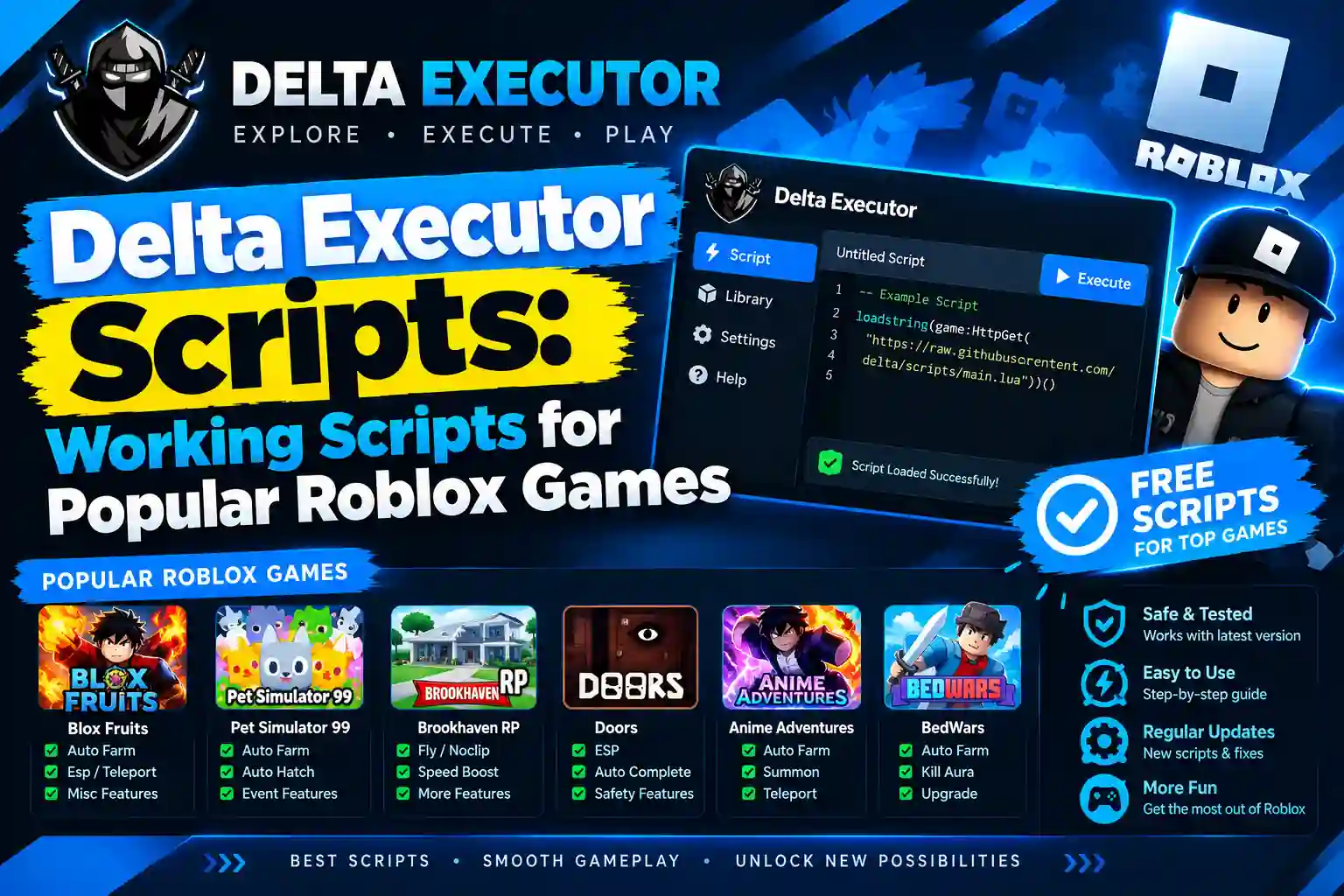
Delta Executor Scripts: Working Scripts for Popular Roblox Games
Finding Delta Executor scripts that actually work in 2026 is harder than it looks. Most script lists floating around online are months out of date, broken after Roblox game updates, or sourced from hubs that mix working scripts with malicious ones. This guide covers what working scripts actually look like, how to load them correctly in Delta, the best script hubs to use, and game-specific scripts for the most popular Roblox titles including Blox Fruits, Pet Simulator 99, Adopt Me, BedWars, and more.
Scripts only work when Delta Executor is fully updated and correctly injected. If your scripts are not executing, the issue is almost always the executor setup rather than the scripts themselves. Check that you are running the latest Delta version from deltaexecutions.com before troubleshooting scripts. If Delta itself is not working, see our Delta Executor not working fix guide first.
How Delta Executor Scripts Work
Delta Executor runs scripts written in Lua, which is the same programming language Roblox uses to build its games. When Delta injects into the Roblox process, it creates a bridge that lets you execute Lua code directly inside a running game session. The game engine reads and processes your script the same way it processes its own game code, which is what makes executors so powerful and also why Roblox actively works to detect them.
Scripts can interact with almost everything in the game environment. They can read and modify player values like speed, jump power, and health. They can teleport characters to specific coordinates. They can automate repeated actions like clicking, collecting, or farming. And they can display custom UI elements on screen that the original game never included.
Understanding this basic principle helps when a script fails. If a script modifies a value that the game server controls rather than the local client, the server will reject the change and your script will appear to do nothing. This is called a server-side check, and it is one of the most common reasons scripts that worked in older Roblox versions no longer work today. Roblox has progressively moved more game logic server-side to close exactly these gaps.
Scripts that modify client-side values like visual effects, local speed perception, and UI elements tend to work reliably. Scripts that attempt to modify server-side values like inventory items, currency, or other players’ stats will fail on most modern Roblox games because those values are controlled and verified by the server, not the client your executor is attached to.
How to Run a Script in Delta Executor
Loading and executing a script in Delta is a straightforward process once the executor is properly injected. Here is the correct sequence every time.
- Open Delta Executor and complete the key process. Do not skip this step. The key validates your session and without it, injection will fail even if the script is perfect.
- Open Roblox separately and join the game you want to run the script in. Wait for the game to fully load before switching to Delta. Trying to inject before the game has loaded is the most common cause of injection failures.
- Switch back to Delta and tap or click the Inject button. Wait for the green confirmation that injection was successful. On Android this typically takes three to eight seconds. On PC it is usually faster.
- Once injected, navigate to the Script tab inside Delta. You will see a text input area where you paste or type your script.
- Paste your script into the input area. If the script is from a script hub URL rather than raw Lua code, use the loadstring method described in the next section.
- Tap or click Execute. The script runs immediately inside your active Roblox session. If nothing happens, check the troubleshooting section at the bottom of this page.
Using Loadstring for Hub Scripts
Many popular scripts use a loadstring function that pulls the actual script from an external URL rather than running code directly. This is how most maintained scripts stay updated without requiring you to paste new code every time the script author pushes a fix.
A loadstring script looks like this in the executor input field:
You replace the URL in the middle with the actual script URL. Delta must have internet access and loadstring enabled for this to work. If Delta returns an error about loadstring being disabled, check the settings panel inside Delta for a loadstring toggle and enable it.
Best Script Hubs to Use With Delta Executor
Script hubs are collections of scripts maintained by community developers. Using a reputable hub is safer than sourcing random scripts from Discord servers or social media because established hubs have community oversight and regular testing. Here are the script repositories most commonly used alongside Delta in 2026.
Delta Built-In Script Hub
Delta Executor includes its own built-in script hub accessible directly from the main interface. The built-in hub contains pre-tested scripts for the most popular Roblox games, organized by game name. These scripts are verified to work with the current Delta version and are updated alongside Delta releases. For most users, the built-in hub is the safest and easiest starting point because the scripts have already been compatibility-tested with Delta specifically.
Access the built-in hub by tapping the Script Hub button on Delta’s main screen after injecting. Browse by game category or search by game name.
Scriptblox
Scriptblox is one of the largest community-maintained script repositories for Roblox executors. It hosts thousands of scripts across hundreds of games with user ratings and last-tested dates. The quality varies significantly across scripts, so filter by rating and check the last-tested date before running anything. Scripts with a recent tested date and a high rating are the most reliable starting points.
RawScript and Pastebin Sources
Many script authors publish their work through Pastebin or raw GitHub links. These sources are only reliable when the link comes directly from a known developer. Never run a raw script from an anonymous link someone shared in a comment or Discord message without verifying the source first.
Scripts can contain malicious code that steals your Roblox session token or runs system commands on your device. Always source scripts from established hubs with community oversight. Never run a script from someone who sent it to you unsolicited. The Delta built-in hub is the safest option for new users.
Blox Fruits Scripts for Delta Executor
Blox Fruits is the most visited game on Roblox with over 45 billion total plays. It is also the game with the highest volume of Delta script searches. The game is heavily server-side in 2026, which means many older scripts that worked on previous versions are now blocked by the game’s server validation.
What Blox Fruits Scripts Can Do in 2026
Client-side features that still work reliably include auto-collecting fruits that spawn in the world, teleporting your local character to specific island locations, enhanced camera controls, and custom ESP overlays that show fruit spawn locations on your screen.
Server-side features that no longer work reliably include directly adding fruits to your inventory, modifying your Beli currency count, and teleporting other players. These are controlled by the Blox Fruits server and scripts that claim to bypass them are either fake or rely on exploits that Blox Fruits patches within days of discovery.
Loading a Blox Fruits Script in Delta
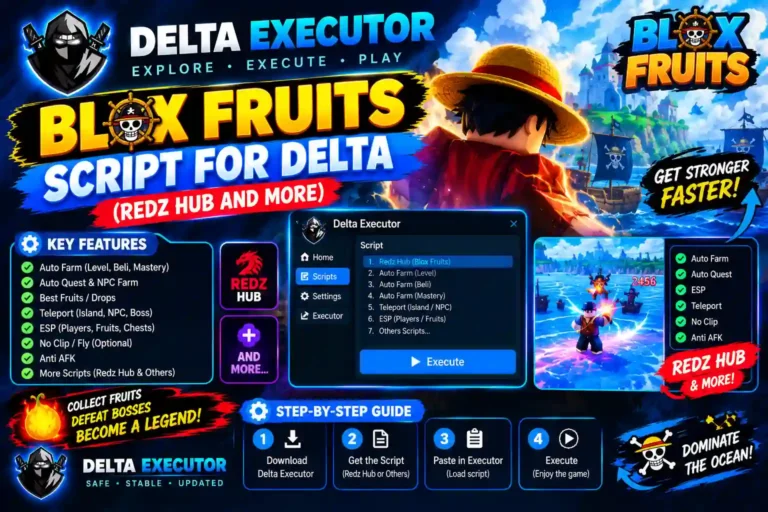
After injecting Delta into Roblox while in Blox Fruits, open Delta’s script hub from the built-in hub section. Select Blox Fruits from the game list. The hub will show you verified working scripts for the current game version. Alternatively you can check Scriptblox, filter by Blox Fruits, and sort by highest rating and most recent test date.
A common working script format for Blox Fruits uses the loadstring method to pull from a maintained repository. Paste the loadstring command into Delta’s script input and execute. The script’s own GUI will appear inside the Roblox session where you can toggle features on and off.
Why Blox Fruits Scripts Break So Often
Blox Fruits updates its game frequently, sometimes multiple times per week for balancing changes and new content. Every meaningful game update can break scripts that relied on specific variable names or server event structures that the update changed. A script that worked yesterday in Blox Fruits may stop working today purely because the game pushed a patch that renamed an internal function the script was targeting.
This is why always checking the last-tested date on any Blox Fruits script before running it matters so much. A script tested more than two weeks ago has a meaningful chance of being partially or fully broken.
Pet Simulator 99 Scripts for Delta Executor
Pet Simulator 99 is the current iteration of the long-running Pet Simulator franchise on Roblox. The game revolves around collecting pets, breaking chests for coins, and unlocking new worlds. The repetitive nature of the core gameplay loop makes it one of the most popular games for automation scripts.
What Scripts Can Do in Pet Simulator 99
Auto farm scripts are the most used category for this game. They automate the chest-breaking loop so your character collects coins without manual input. This is client-side automation that instructs your character to continuously perform the tap or click action that breaks chests, rather than modifying your coin balance directly.
Auto hatch scripts automate the egg hatching process. Rather than manually tapping hatch repeatedly, the script runs the hatch action on a timer so you hatch eggs continuously in the background.
ESP scripts show all chest and egg locations within a radius on your screen, which helps you navigate to high-value content faster without manually searching the map.
Limitations in Pet Simulator 99
Directly adding rare pets to your inventory is server-side and does not work in current versions. Scripts claiming to give you unlimited diamonds or specific legendary pets without farming are almost certainly fake. The game’s economy and pet values are server-validated and cannot be modified client-side in any version of the game that is currently live.
The most reliable Pet Simulator 99 scripts in 2026 focus on automation of client-side actions rather than inventory manipulation. Auto farm, auto hatch, and ESP are the three categories with the best working script availability.
Adopt Me Scripts for Delta Executor
Adopt Me is one of the oldest major games on Roblox and has an enormous player base that skews toward younger users. The game involves pet adoption, trading, and collection. As of 2026, Adopt Me has progressively hardened its server-side validation, making many older script categories ineffective.
Working Script Categories for Adopt Me
Auto pet farm scripts automate the process of interacting with your pets to level them up. The interaction loop is client-side, meaning the script sends the same tap or interaction event your finger would, so it continues to work in 2026.
Auto gift opening scripts automate the collection and opening of daily gifts. Again this works because the action itself is client-initiated even though the rewards are determined server-side.
Teleport scripts can move your character to specific map locations like the nursery, trading plaza, or specific farms. These use client-side position updates and work reliably.
What Does Not Work in Adopt Me
Scripts claiming to generate rare pets like Neon Legendary animals, add Robux or Bucks directly, or duplicate items in your inventory do not work on any current Adopt Me build. The game moved all economy and inventory management fully server-side several years ago specifically to combat these exploits. Any script making these claims is either broken or, more likely, malware.
BedWars Scripts for Delta Executor
BedWars is the most competitive Roblox game covered in this guide. It is a team-based strategy game where players protect their beds while trying to destroy the opposing team’s beds. The competitive nature makes it both the most searched game for advantage scripts and the riskiest game to use scripts in.
Why BedWars Is Different From Farming Games
Unlike Blox Fruits or Pet Simulator, BedWars has active human opponents in every session. Scripts that give visible advantages will be noticed and reported by other players much faster than in solo farming games. The combination of player reports and Roblox’s own detection creates a substantially higher ban risk in BedWars than in almost any other popular Roblox game.
If you plan to use scripts in BedWars, use a secondary account that you are comfortable losing. The risk to your main account is genuinely elevated compared to using the same scripts in a single-player farming context.
Common BedWars Script Types
Speed and jump enhancement scripts modify client-side movement values to make your character move faster than normal. These are visible to other players and are the fastest way to get reported.
ESP scripts show the positions of all players and their beds through walls, which is a visual overlay that other players cannot directly observe but still creates an obvious advantage in your movement decisions.
Auto resource collection scripts automate resource gathering so your generators fill your inventory without manual attention, freeing you to focus on combat.
BedWars scripts carry the highest ban risk of any game covered in this guide because of the combination of active human opponents who can report you and the game’s own anti-cheat measures. Use scripts in BedWars only on secondary accounts and keep the script effects subtle rather than obvious. Speed hacks that make you visibly faster than any normal player will be reported within minutes.
Murder Mystery 2 Scripts for Delta Executor
Murder Mystery 2, commonly called MM2, is a social deduction game where players take on the roles of innocent bystanders, a sheriff, or the murderer. The asymmetric gameplay and large player count make certain script types particularly noticeable to other players.
What Scripts Can Do in MM2
ESP scripts are the most used category in MM2 because they reveal all player positions through walls. For the murderer role, knowing where all innocents are located is a significant advantage. For the sheriff, knowing exactly where the murderer is hiding completely changes the game.
Auto coin collection scripts automate the pickup of coins scattered around the map. This speeds up the process of earning coins for weapon purchases without manual map traversal.
Speed scripts modify local movement speed. In MM2 this is particularly noticeable because the game has a specific balance around how fast each role can move, and a player moving significantly faster than normal stands out immediately to other players.
Server-Side Limitations in MM2
Scripts that claim to force your role assignment (always being the murderer or sheriff), give yourself unlimited coins directly, or kill other players without the correct in-game role assignment do not work. Role assignment is server-controlled and the kill action requires the server to validate that you hold the correct role before applying it.
Jailbreak Scripts for Delta Executor
Jailbreak is one of the most iconic Roblox games and has been active since 2017. Players choose between being a criminal or a cop in an open-world environment involving heists, vehicle chases, and base defense. The open-world format and large map make certain script types very practical here.
Common Jailbreak Scripts
Auto rob scripts automate the heist process for specific locations like the bank, jewelry store, or museum. They trigger the correct interaction sequences at the right time so your character completes a robbery without manual input. These work in 2026 on client-side interaction sequences, though some specific heist steps have been moved server-side in recent updates.
Vehicle speed scripts modify your vehicle’s local speed value. Jailbreak has some server-side speed validation that limits how extreme these modifications can be before they are rejected, but modest speed increases still work in the current version.
Auto farm scripts collect cash pickups and interact with ATMs automatically. These are client-side action loops that work reliably in the current game version.
Teleport scripts move your character to specific locations instantly, such as teleporting directly to the bank vault or to the criminal base. These are among the most useful scripts in an open-world game with a large map.
Universal Delta Executor Scripts That Work in Any Roblox Game
Some scripts are not game-specific. They modify values or behaviors that exist across all Roblox games regardless of the specific game being played. These universal scripts are among the most reliable because they target the Roblox engine layer rather than game-specific code that changes with each update.
Speed and Jump Modifier
A basic speed and jump script modifies the WalkSpeed and JumpPower values on your local character. These are Roblox engine-level values that exist in every game. The script looks like this:
Adjust the numbers to your preference. Standard WalkSpeed in most Roblox games is 16 and standard JumpPower is 50. Setting WalkSpeed above 100 becomes very noticeable to other players. Note that some games override these values server-side on a timer, which means the script effect may reset periodically in those games.
Infinite Jump
Infinite jump allows your character to jump in the air without needing to be on a ground surface. This is one of the most universally useful scripts for exploration and platforming sections in any Roblox game.
No Clip
No clip allows your character to walk through walls and solid objects. It works in most games but is one of the more detectable features in games with active moderation because the movement pattern it creates is obviously abnormal. Use it for exploration rather than competitive advantage if you want to reduce your ban risk.
Character Highlight and ESP
A basic ESP script adds a highlight to all player characters so you can see their positions through walls. Delta’s built-in hub includes a universal ESP template that works in most games without modification.
Script Safety: What to Avoid and How to Stay Safe
Script safety is a topic most script guides skip entirely, which is one of the biggest gaps in the existing content for this topic. Here is what you actually need to know.
The Real Danger: Malicious Scripts
A Lua script running inside Delta Executor has the same access to your Roblox session that the game itself does. A malicious script can read your LocalPlayer data, which includes information that can be used to construct a session hijack attempt. It can also execute HTTP requests from within the game client to send data to an external server.
This is exactly how Roblox cookie stealers work. They are disguised as game scripts that run inside an executor. The script appears to do something useful while simultaneously extracting your session cookie and sending it to the script author, who then uses it to access your Roblox account without needing your password.
How to Identify a Suspicious Script
Any script that contains HttpGet or HttpPost calls to domains you do not recognize is potentially sending data to an external server. Any script that asks you to paste additional code into the chat or executor is a red flag. Any script that offers things that are technically impossible, like adding Robux directly to your balance or changing your account username, is fake and likely malicious.
Before running any script from outside the Delta built-in hub, paste the raw script code into a plain text editor and read through it. You do not need to understand every line of Lua to spot obvious red flags like unrecognized external URLs in HttpGet calls.
Using Secondary Accounts
The standard practice for anyone who runs scripts regularly is to keep a dedicated secondary Roblox account for executor use. Your main account stays in the official client with no executor involvement. If the secondary account gets banned, you lose only the progress on that account rather than your primary account with all its history, items, and friends.
For more information on the overall risk picture around Delta Executor, read our full Delta Executor safety guide which covers both device-level risks and account risks in detail.
Why Delta Executor Scripts Stop Working
Scripts break for several distinct reasons and understanding which one applies to your situation gets you to a fix much faster than trying random solutions.
| Symptom | Most Likely Cause | Fix |
|---|---|---|
| Script runs but nothing happens | The target value is server-side and the game rejected the modification | Find a different script that targets client-side values for that function |
| Script throws a Lua error on execution | The script references a variable or function that the game update renamed or removed | Find an updated version of the script from the hub or script author |
| Script worked yesterday, not today | The game pushed an update that changed the internal structure the script targeted | Check for an updated script version. Contact the script author’s community if available |
| Delta injects but the execute button does nothing | Delta itself needs an update, or injection was not fully successful | Update Delta to the latest version and reinject. See the not working guide |
| Script GUI appears but features do not work | Mixed client and server-side features. Some work, some are blocked | Use only the client-side features in the script GUI and ignore the server-side ones |
| Loadstring returns an error | Loadstring is disabled in Delta settings, or the script URL is invalid | Enable loadstring in Delta’s settings panel. Verify the URL is still active |
| Script works on PC but not Android | Some scripts use PC-specific APIs or keyboard input that Android does not support | Look for a mobile-compatible version of the same script in the Delta built-in hub |
Frequently Asked Questions
Can Delta Executor run any Roblox script?
Delta supports the vast majority of Lua scripts written for Roblox executors. Scripts that use advanced API features specific to certain executor engines like Synapse X may not work directly in Delta. Scripts sourced from Delta’s built-in hub are verified compatible. For scripts from other sources, compatibility is not guaranteed but most standard Roblox Lua scripts work without modification.
Why do my Blox Fruits scripts keep breaking?
Blox Fruits updates its game frequently, sometimes multiple times per week. Each update can break scripts that targeted specific internal game variables. Always check the last-tested date on any Blox Fruits script before running it. Scripts from the Delta built-in hub are updated alongside Delta releases and are your most reliable option for this game.
Is there a keyless script hub for Delta?
Delta’s built-in script hub is accessible without a separate key once you have completed Delta’s own key process. Several community script hubs also offer keyless access, though the quality and safety level varies significantly between them. The Delta built-in hub is the recommended starting point for keyless access to verified scripts.
Can scripts give me free Robux through Delta Executor?
No. Robux is stored and managed entirely on Roblox’s servers and cannot be modified by any client-side script or executor. Any script, tool, or site claiming to add Robux to your account is a scam. The realistic outcome of running such a script is losing your account credentials to a cookie stealer hidden in the script code.
Why does a script that used to work now give errors?
Script errors after a period of working reliably almost always mean the game updated and changed something the script was targeting. This could be a renamed variable, a removed function, or a game mechanic that moved from client-side to server-side. Look for an updated version of the script from the original author or hub where you found it.
What is the difference between a script hub and a script executor?
An executor like Delta Executor is the tool that runs scripts. It injects into Roblox and provides the execution environment. A script hub is a collection of pre-written scripts that you load into the executor. You need both: an executor to run the code and a script hub or individual scripts to provide what code gets run.
Do scripts work differently on Android and PC?
The Lua script language works the same way on both platforms. However some scripts use input methods like keyboard shortcuts or mouse events that are only available on PC. Scripts designed for mobile will work on both platforms. PC-specific scripts may fail on Android or produce errors because the input APIs they reference are not available on mobile.
How do I know if a script is safe to run?
Source the script from an established hub with community oversight and recent test dates. Read through the script code before running it and look for unrecognized external URLs in any HttpGet calls. Avoid scripts shared anonymously in Discord messages or comments. Scripts from the Delta built-in hub have been reviewed for the most obvious safety concerns. For more on script and executor safety read our Delta Executor safety guide.
Can I run multiple scripts at the same time in Delta?
Yes. Delta supports running multiple scripts in the same session. You can execute additional scripts after the first one without reinjecting. However, running multiple scripts that target the same game values can cause conflicts or unexpected behavior. Test scripts one at a time to identify which ones work before combining them.
Where do I download Delta Executor to run scripts?
The only verified source for Delta Executor is deltaexecutions.com. Downloading from any other source risks installing a modified version that may not run scripts correctly or may contain malware.
Bottom Line on Delta Executor Scripts
Delta Executor scripts work best when you understand what is technically possible versus what fake script sites claim is possible. Client-side automation, ESP overlays, movement modifications, and teleportation are reliable in 2026. Direct inventory manipulation, currency modification, and server-side stat changes are blocked by Roblox’s server validation and will not work regardless of how the script is written.
Start with Delta’s built-in script hub for the most reliable and pre-verified scripts. For game-specific scripts, use established hubs with community oversight and always check last-tested dates. Keep Delta updated to ensure injection works correctly before blaming a script for not executing.
Download the latest Delta Executor from deltaexecutions.com and use a secondary account for any script-related gameplay to protect your main account.
Sources and References
- Roblox Lua scripting documentation — Roblox Creator Documentation
- Roblox Terms of Service on third-party tools — Roblox Help Center
- Delta Executor official download — deltaexecutions.com

8 Comments